Help & setup
Get your car ready to record with Driftiva for Android.
Configuration tutorial
Select your car in Driftiva or choose Add a car. To set up an existing car, open Settings → Mounting setup → Set up mounting position. If your phone has no gyroscope, you can pre-order a Street device for motion sensing.
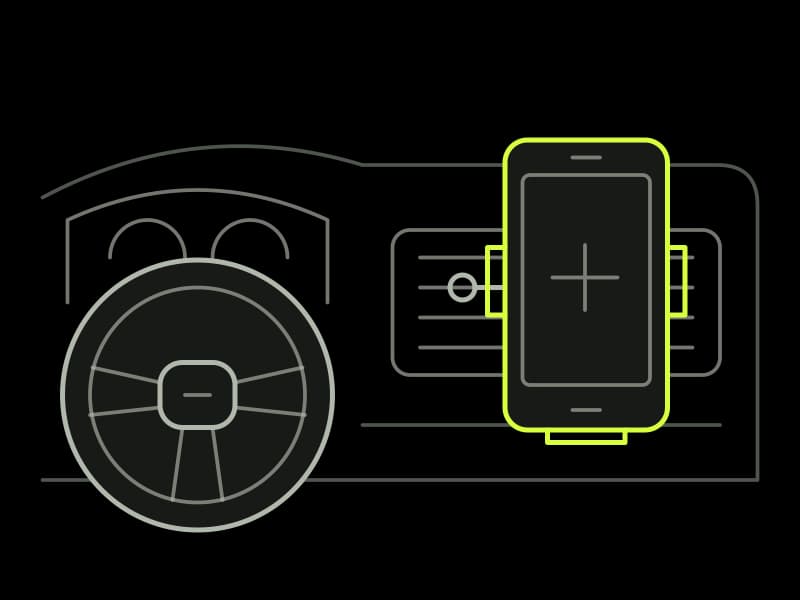
Secure your phone
Fit your phone in a rigid holder. Any fixed orientation works. Finish adjusting it before setup and allow precise location when Android asks.
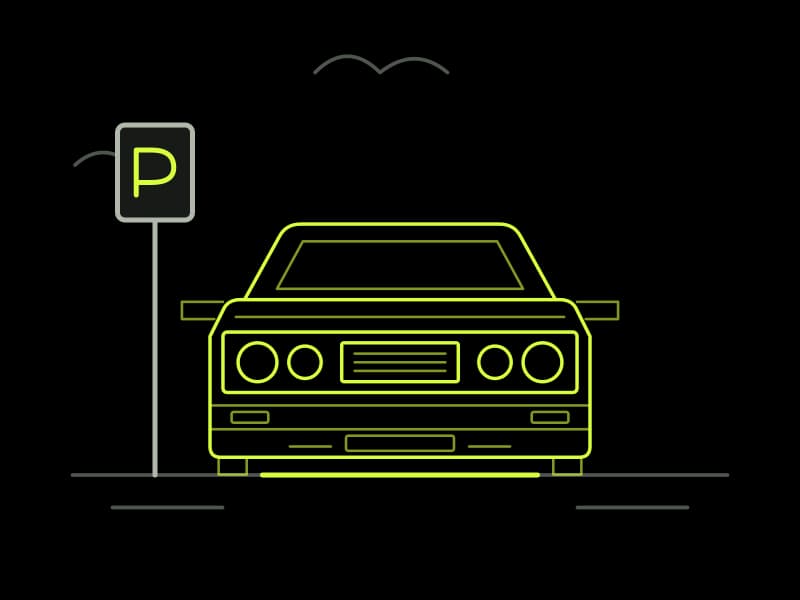
Start while parked
Park on level ground. In the setup walkthrough, tap Begin setup, then Yes, start setup. Keep the car still until Driftiva asks you to move.
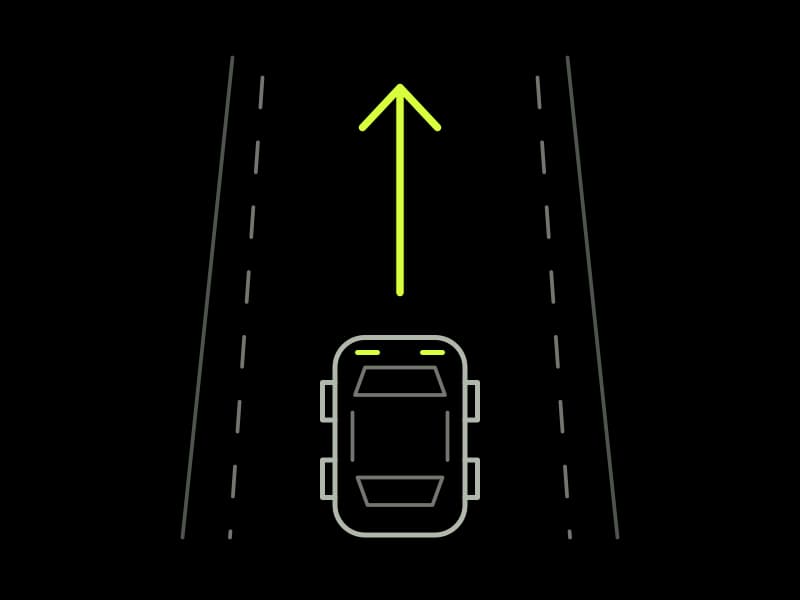
Drive straight ahead
On a clear section of the track, pull away gently in a straight line. Keep the mount fixed and your hands off the phone. Driftiva learns the mounting direction and aligns heading as you drive.
Frequently asked questions
Can I record with just my phone?
Yes, if your Android phone has a gyroscope. If it doesn’t, pair a Driftiva enclosure to measure motion. Your phone still provides GPS. Pre-order a Street device.
Why can’t I find my Bluetooth device?
Power on the enclosure, turn on Bluetooth, and allow Driftiva to access Nearby devices in Android settings. Open Settings → Measurement device in Driftiva and search again. If the device is already saved, tap Reconnect.
Why is setup waiting for GPS?
If you’re using phone GPS, turn on location and grant Driftiva precise location access in Android settings. Give the GPS receiver a clear view of the sky. During the parked step, stay still until Driftiva prompts you to move.
When should I repeat mounting setup?
Repeat setup whenever you change the position of your phone, enclosure, or holder in the car. Open Settings → Mounting setup → Set up mounting position. If you use the same mount each session, turn on Remember mounting position for that car.